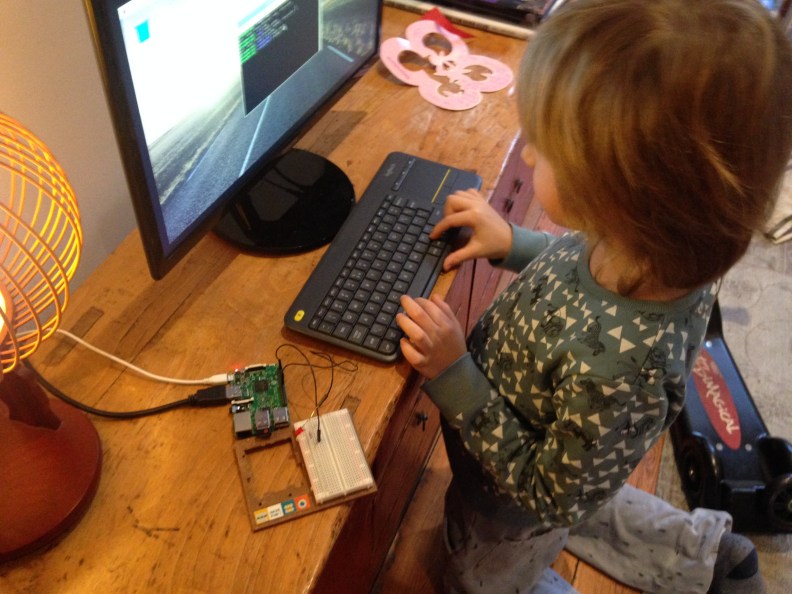
Simon carried out a project on his new RaspberryPi today that allows to see his programming and problem solving level quite well. Luckily I was there on time with my iPhone camera to film and take pictures.
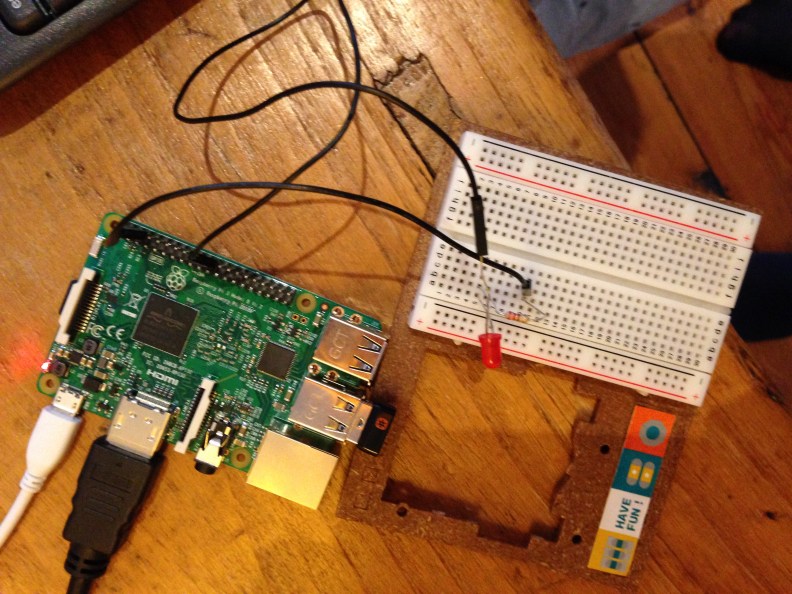
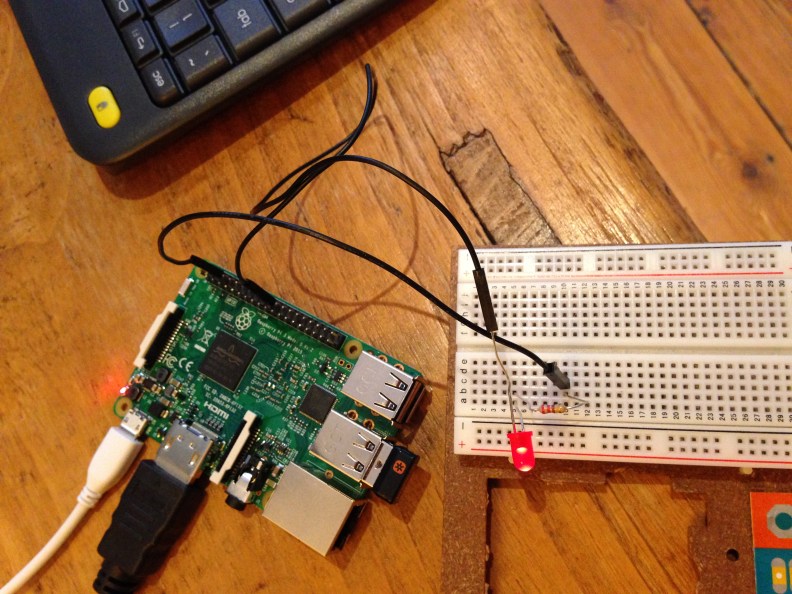
It involved a simple Blink-an-LED code for Python, but note that Simon wrote it completely from memory. Also interesting that since he was missing the M/F jumper wires required for the project he decided to use his broken M/M wires instead, which I thought was quite inventive.
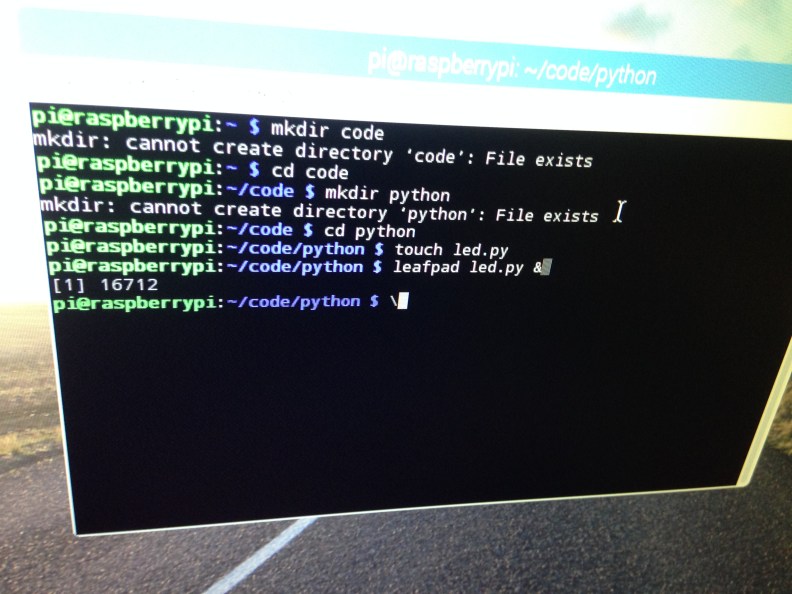
He used Terminal to create a program called led.py, saved and closed the file and opened the File Manager. He looked for the led.py file, but it wasn’t there. So he hit Shift-Ctrl-F to search for it and found it. He opened the file by right-clicking on it and selected Python 2 (IDLE). He made sure the correct screen appeared and that the Python code was complete. He then ran the code by typing “sudo python led.py” . Unfortunately a syntax error message popped up.
After a moment of hesitation (when I though he maybe would give up) he said he knew what the error was: he missed a couple of comas. After inserting the comas in the Leafpad file he ran the code again. And it worked!! We were both so happy as if we witnessed sheer magic.
Later Simon also showed me how to make the LED light burn continuously or turn it off again.
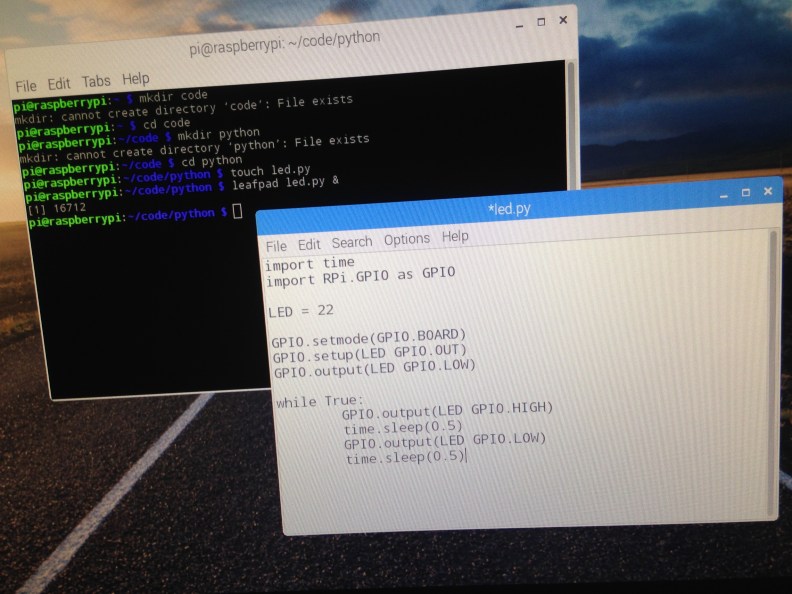
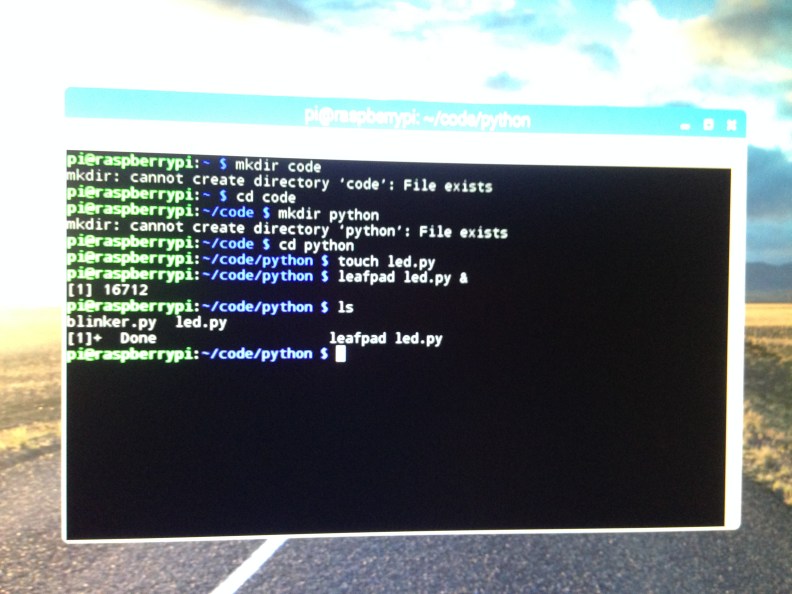
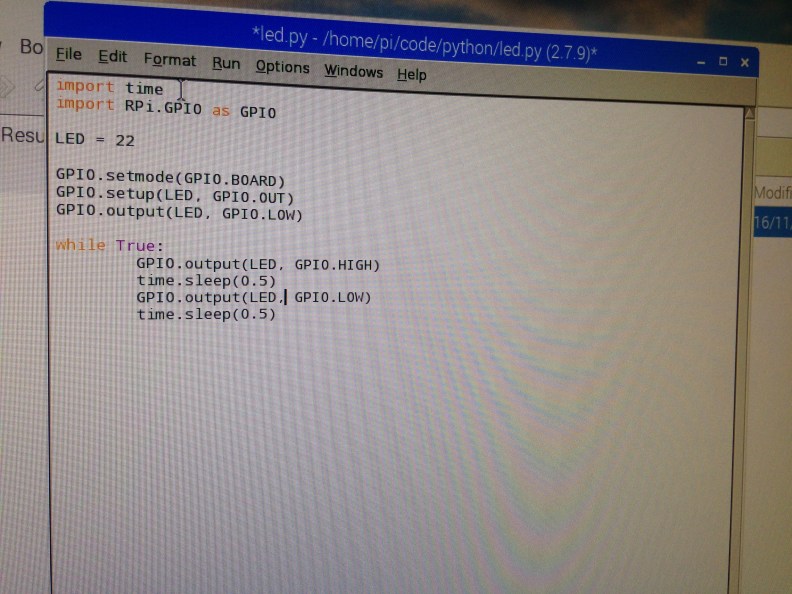
The missing comas back in place:
 Geeks out of the box
Impressive! He’s definitely showing problem solving skills and it’s so good he didn’t give up when it wasn’t working. I love his enthusiasm. 🙂
LikeLike